Map your real intake path first, then pick the software that fits it. Judge each option on seven things: inquiry capture, flexible intake questions, ownership and routing, scheduling, follow-up, pipeline visibility, and reporting. The right tool isn’t the one with the longest feature list. It’s the one that matches how your firm actually works and leaves legal judgment with people qualified to make it.
Plenty of firms buy a form or a scheduling tool and find the handoffs between tools are still manual. That’s the gap to close.
What is client intake software for a law firm?
Software that collects and organizes information from prospective clients around a consultation. Depending on setup, it handles online forms, lead records, qualifying questions, booking, reminders, message history, task assignment, and pipeline reports.
A form just gathers answers. A useful intake system also shows the next action. Staff should be able to tell if an inquiry is new, waiting for review, ready to book, due for follow-up, retained, or inactive.
Start with the process, not the demo
Before comparing software, write down how intake works today. Follow one real inquiry from arrival until the firm books a consult, closes it, or decides it’s not a fit.
Ask:
- Where can a new inquiry enter: phone, website form, chat, referral, or another channel?
- Who sees it first, and how fast can they tell it needs attention?
- What info has to be collected before someone reviews it?
- Who decides whether to offer a consultation?
- How does the person book, reschedule, or cancel?
- What happens when they’re not ready to book on day one?
- Where is the reason recorded when it’s closed or disqualified?
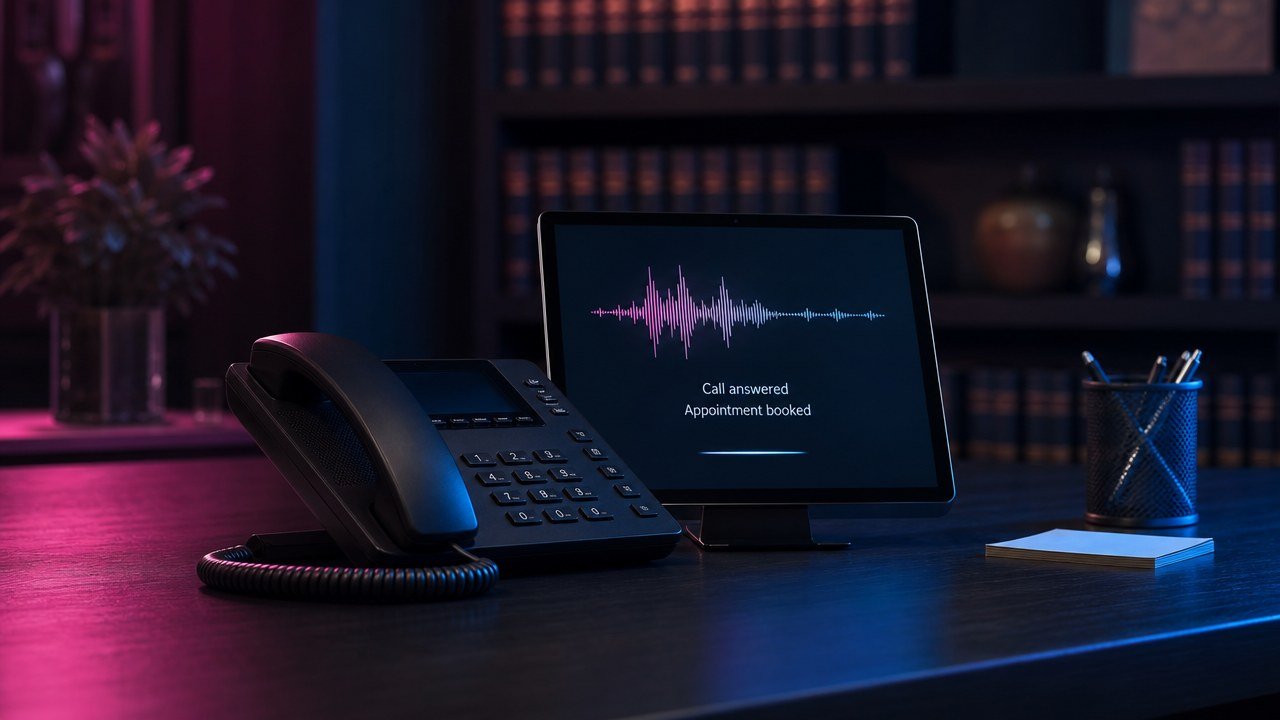
The map shows where software can help and which decisions should stay human. If calls are a big entry point, our AI receptionist and answering service comparison covers coverage, handoffs, and caller experience.
Check form usability too. The DOJ’s web accessibility guidance points to clear headings, keyboard access, text cues, and manual testing. Include the intake form, error messages, and booking flow in that review.
Seven capabilities worth evaluating
1. Inquiry capture
It should create a usable record from the channels you actually rely on. Check what happens when info is incomplete or arrives twice. Duplicates cause as much trouble as missing records.
2. Flexible intake questions
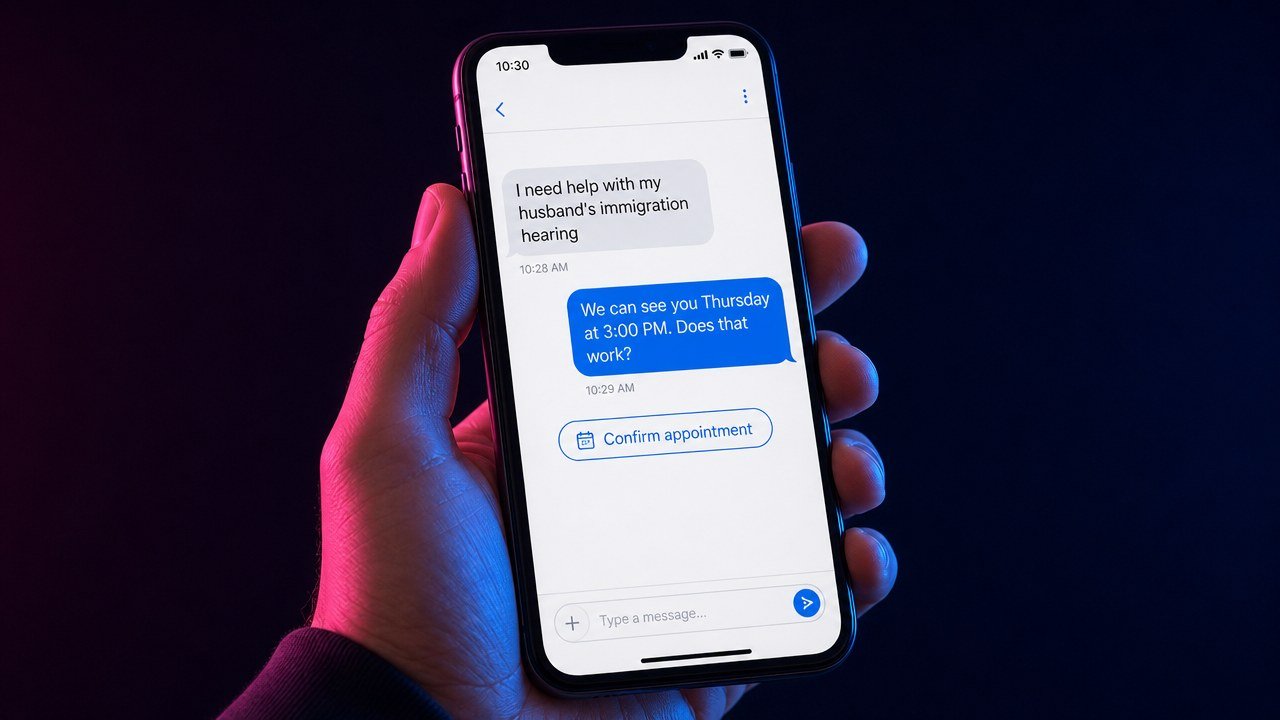
First questions should get enough info for the next decision without over-asking. Immigration firms, for example, may need separate paths for different inquiry types. The software should support that without pretending a form can decide legal eligibility.
3. Ownership and routing
Every active inquiry needs a visible owner or queue. You want a clear answer to “who’s responsible now?” and an escalation route when that person is out.
4. Scheduling
Booking should follow your real consultation rules. Check availability, confirmations, rescheduling, reminders, time zones, and what happens when someone isn’t cleared to book yet.
5. Follow-up
Good follow-up is timely, relevant, and easy to stop when things change. See how it handles unanswered inquiries, no-shows, long decision cycles, and human takeover. Our guide to law firm marketing automation covers triggers, stop conditions, and human review. More messages aren’t automatically better.
6. Pipeline visibility
The pipeline should use your team’s stages, not someone else’s terms. Staff should spot new inquiries, overdue actions, booked consults, and closed outcomes without building a report from scratch.
7. Reporting
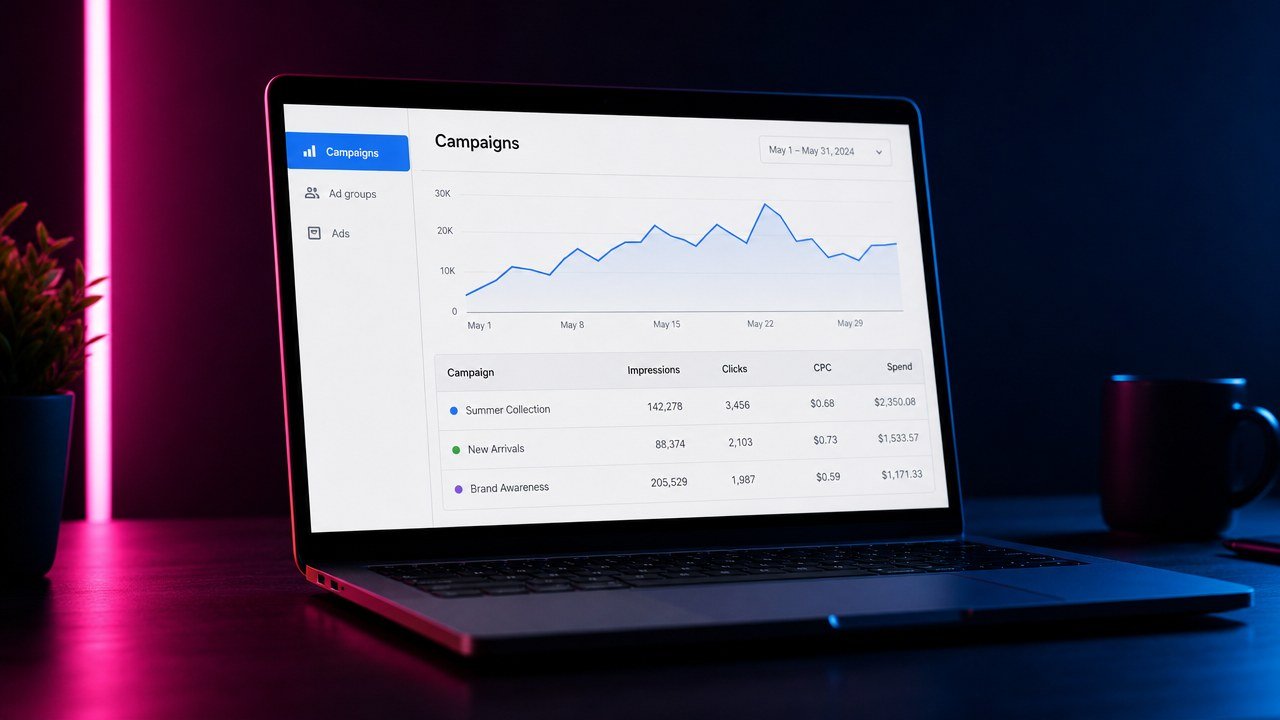
At minimum, leadership should see inquiry source, stage movement, response and follow-up patterns, consult outcomes, and why opportunities leave the pipeline. Reports are only trustworthy if staff use stages consistently.
Client intake software versus a CRM
They overlap. Intake software can focus narrowly on forms, questionnaires, and onboarding. A law firm CRM usually covers the whole prospect relationship: source, messages, scheduling, follow-up, and pipeline status.
If your main problem is collecting structured info, a focused intake tool may be enough. If the gaps are between capture, response, booking, and follow-up, a connected CRM is more likely to fix the whole path.
Questions to ask in a software review
- Can we model our current stages before changing them?
- What happens when automation is unsure or a person needs help?
- Can staff see why a record moved or a message went out?
- How are permissions handled for different roles?
- Can we turn off an automation without losing the record?
- What training and ongoing ownership will our team need?
- Which reports come from actual stage history?
- How will this connect with tools we plan to keep?
Reviewing technology is part of professional competence. Comment 8 to ABA Model Rule 1.1 says lawyers should keep up with the benefits and risks of relevant technology. Check your jurisdiction’s rules too.
Common buying mistakes
Buying for the ideal workflow, not the real one. A system that ignores current staffing and decision points is hard to adopt.
Automating qualification decisions too early. Software can collect and organize. Attorneys and trained staff should own legal and sensitive calls.
Treating every inquiry the same. Different sources and situations need different questions, urgency, and handoffs.
Ignoring the closed stages. Clear lost and disqualified reasons improve reporting and keep dead records out of the active pipeline.
Skipping ownership. A reminder with no accountable person still gets ignored.
A practical next step
Pick one common inquiry path and document its stages, decisions, delays, and owners. Then judge software against that map. Our immigration law firm intake analysis shows how the problem plays out in one legal niche without assuming every firm works the same. For the acquisition side, see our approach to law firm marketing.
If the gap spans intake, follow-up, scheduling, and pipeline visibility, book a strategy call to see whether Rocket Reach fits the process you already have.